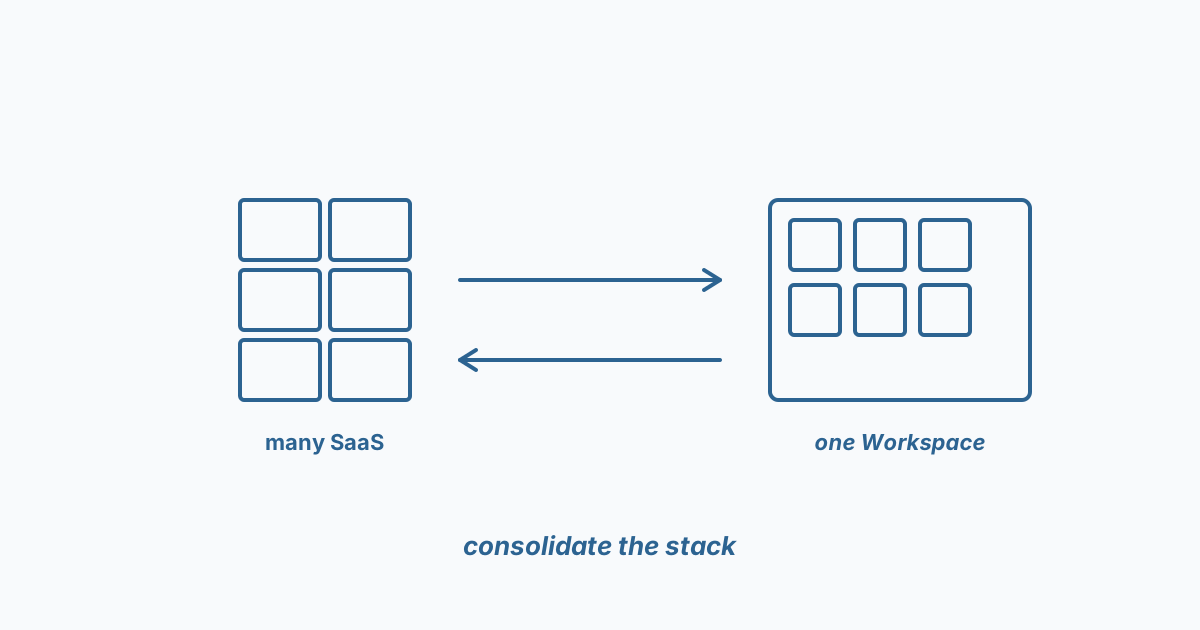
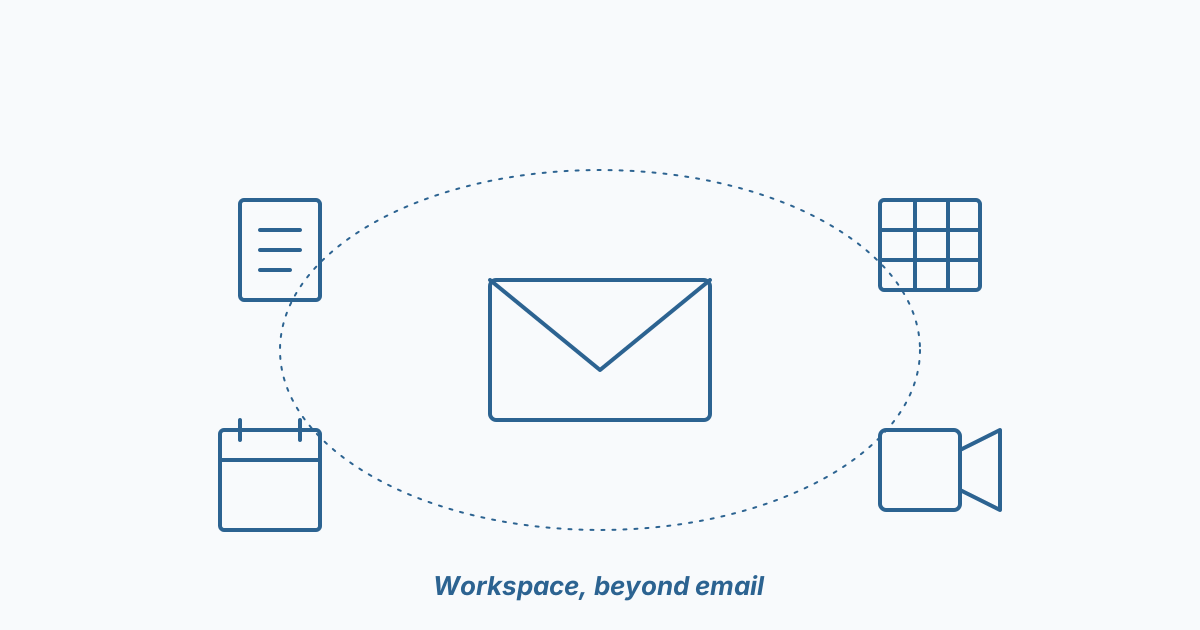
If you only use Google Workspace for email and shared docs, you're paying for an operating system and using it like a notepad. The good news is that getting more out of it doesn't require a six-month rollout — it's mostly a handful of focused improvements.
Here are the moves that consistently land for clients.
1. Lock down Drive properly (week one)
Default sharing rules in Workspace are too permissive for most businesses. Five minutes in the admin console — restrict external sharing to allowlisted domains, default new files to "anyone in company can view," and turn on link expiration. Recoverable cost: low. Recoverable risk: significant.
2. AppSheet for the spreadsheet that became a process
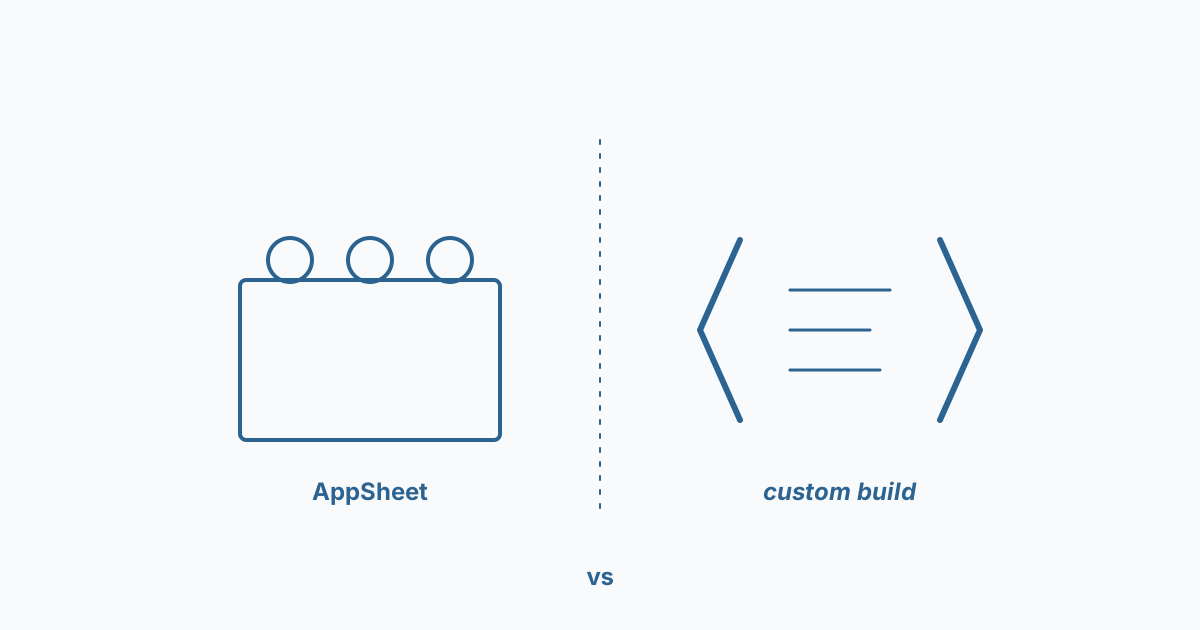
Every business has a critical spreadsheet that three people email around. AppSheet turns it into a real app — with permissions, audit trail, mobile access — in a day. No code, but better than the "build it in Notion" trap because it stays inside your existing IAM.
3. Apps Script for the workflow nobody automates
Apps Script is Workspace's hidden superpower. The classic wins:
- Auto-generate quotes from a Sheet into a templated Doc, then PDF and email it.
- Pull data from a third-party API into a Sheet on a schedule.
- Route a Form submission to Slack, then to a ticketing system.
Each one of these is a couple of hours of work and replaces an hour a week of manual labour, indefinitely.
4. Gemini in Workspace — but on the right tasks
The hit rate is high for: summarizing long threads, drafting first-pass replies, pulling structure out of unstructured docs. The hit rate is low for: anything requiring real judgement about your business. Use it where the cost of being wrong is low.
You don't need a transformation program for this. You need someone to spend a week looking at how your team actually works and pick the three highest-leverage automations. We do this engagement regularly — it usually pays for itself within a quarter.